AI Image Editing: Transform Your Photos with AI
AI Image Editing: Transform Your Photos with AI
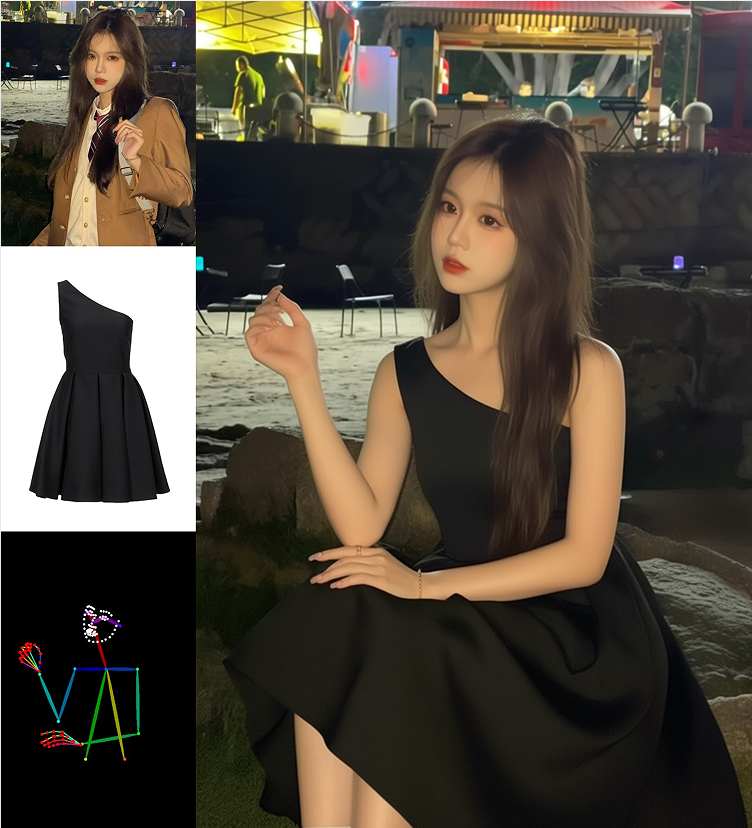
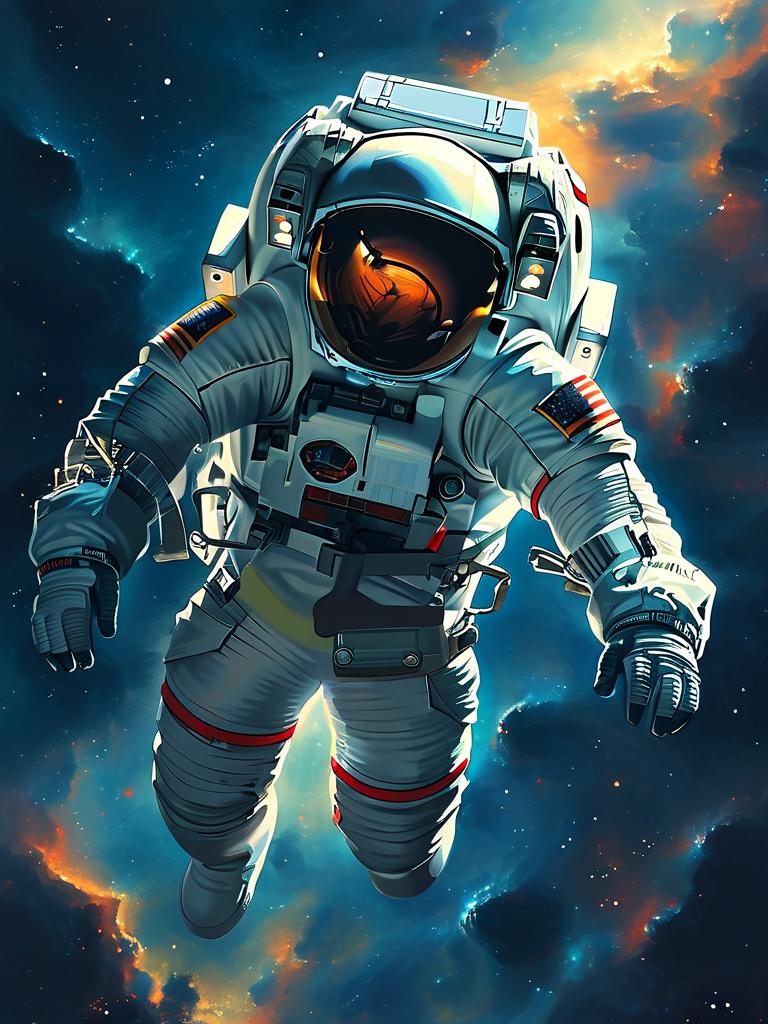
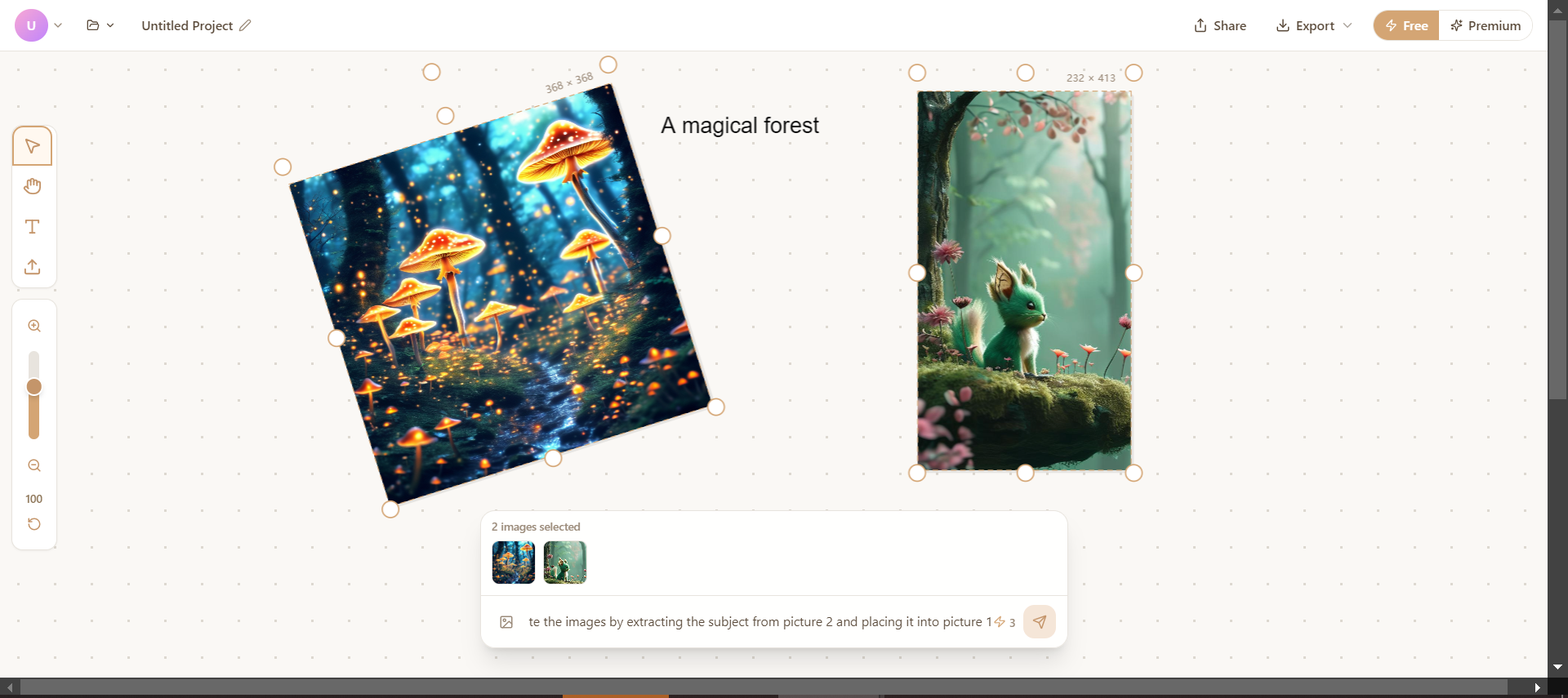
AI image editing is revolutionizing how we enhance and transform photographs. In this guide, we'll explore the powerful capabilities of AI-powered image editing and how you can use it to achieve professional results.
What is AI Image Editing?
AI image editing uses advanced machine learning models to understand and manipulate images. Unlike traditional editing tools that require manual adjustment, AI can:
- Understand image content and context
- Make intelligent decisions about enhancements
- Apply complex transformations with simple instructions
- Maintain image quality and coherence
Common Use Cases
1. Style Transfer
Transform your photos into different artistic styles:
- Convert photos into paintings
- Apply famous artists' styles
- Create unique artistic interpretations
2. Image Enhancement
Improve image quality automatically:
- Upscale low-resolution images
- Enhance colors and contrast
- Remove noise and artifacts
- Sharpen details
3. Object Manipulation
Edit specific elements in your images:
- Remove unwanted objects
- Change backgrounds
- Add or modify elements
- Adjust lighting and shadows
4. Creative Transformations
Create entirely new variations:
- Generate alternative versions
- Explore different color schemes
- Experiment with compositions
Best Practices for AI Image Editing
Start with Quality Sources
The better your input image, the better your results. Use:
- High-resolution images when possible
- Well-lit photographs
- Clear, in-focus subjects
Be Specific with Instructions
When using text-based editing, provide clear guidance:
- Describe exactly what you want to change
- Specify the style or effect you're seeking
- Include details about colors, lighting, or mood
Iterate and Refine
Don't expect perfect results on the first try:
- Start with your initial edit
- Evaluate the results
- Adjust your approach
- Try multiple variations
- Select the best outcome
Combine Multiple Techniques
For best results, use multiple editing approaches:
- Apply style transfer first
- Then enhance specific details
- Fine-tune with traditional editing if needed
Tips for Professional Results
1. Maintain Consistency
When editing a series of images, maintain consistent:
- Lighting style
- Color grading
- Artistic direction
2. Don't Over-Edit
Subtlety often produces better results:
- Avoid extreme transformations
- Keep edits believable
- Preserve important details
3. Consider Your Audience
Think about where your images will be used:
- Social media may benefit from bold edits
- Professional work requires subtlety
- Personal projects allow for experimentation
4. Preserve Originals
Always keep your original images:
- Save edited versions separately
- Document your editing process
- Allow for future re-editing
Advanced Techniques
Mask-Based Editing
Use masks to control where edits are applied:
- Selective enhancements
- Localized style transfer
- Precise object manipulation
Multi-Pass Editing
Apply multiple editing passes for complex results:
- First pass: Overall style and mood
- Second pass: Detail enhancement
- Third pass: Final refinements
Prompt Engineering for Editing
Craft effective editing prompts:
- Be specific about changes
- Include style references
- Describe desired atmosphere
- Mention technical qualities
Common Challenges and Solutions
Challenge: Inconsistent Results
Solution: Use more specific prompts and try multiple generations
Challenge: Loss of Detail
Solution: Start with higher resolution images and use detail-preserving settings
Challenge: Unrealistic Outputs
Solution: Adjust prompt intensity and use reference images
Challenge: Unwanted Changes
Solution: Use masks or more precise instructions to limit modifications
The Future of AI Image Editing
AI image editing is rapidly evolving:
- More precise control mechanisms
- Better understanding of user intent
- Faster processing times
- Integration with traditional editing workflows
Conclusion
AI image editing opens up new creative possibilities while making professional-quality editing accessible to everyone. By understanding these techniques and best practices, you can transform your images in ways that were previously impossible or required extensive technical expertise.
Start experimenting today and discover the creative potential of AI-powered image editing!
Resources
- Try our AI Image Editor
- Explore our Gallery for inspiration
- Join our community to share your creations