AI Image Editor Free
Edit Single or Multi Images at Once • Perfect for E-commerce • No Login Required
Start Editing with AI Image Editor Free
✨ New: Edit up to 3 images at once! Perfect for combining models with outfits or products with scenes using our AI image editor free tool
Upload images
Click to upload 1-3 images
JPG, PNG up to 25MB
No image? Try one of these





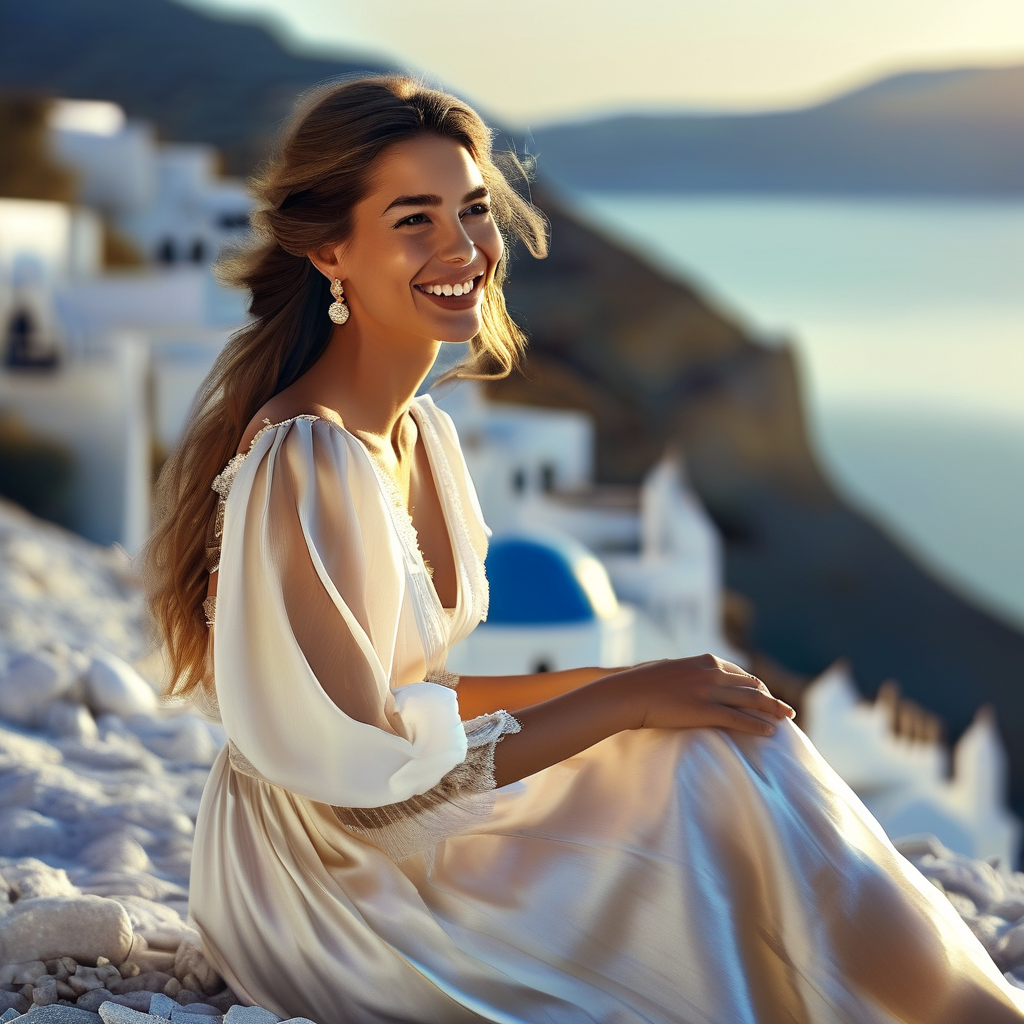
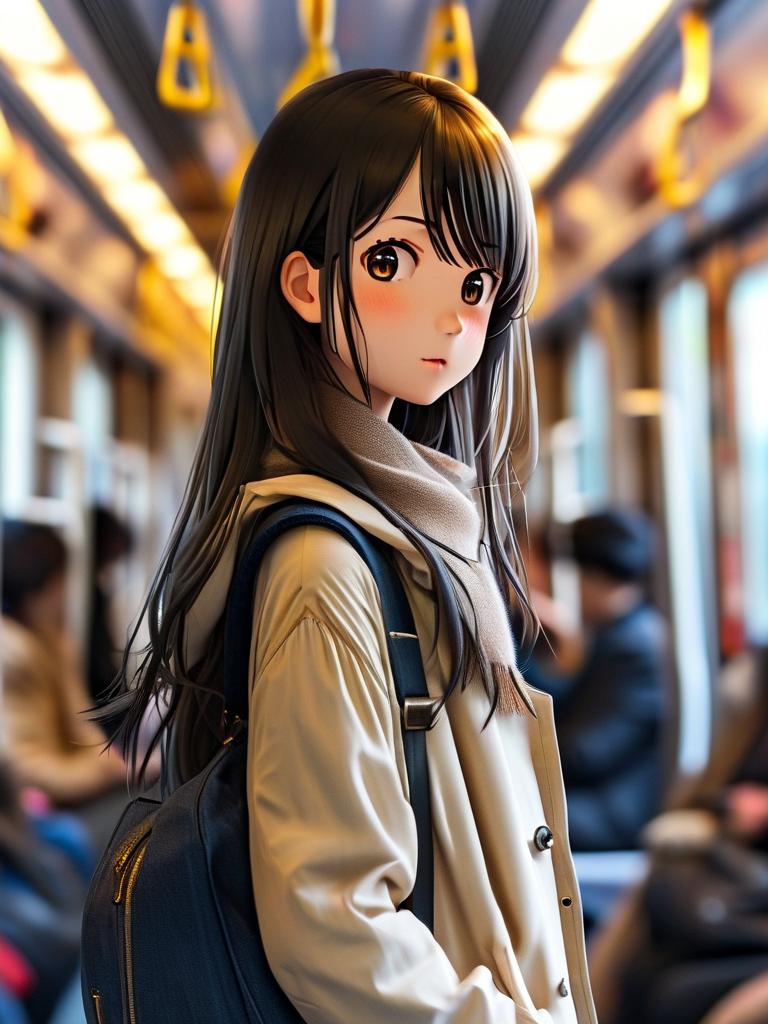
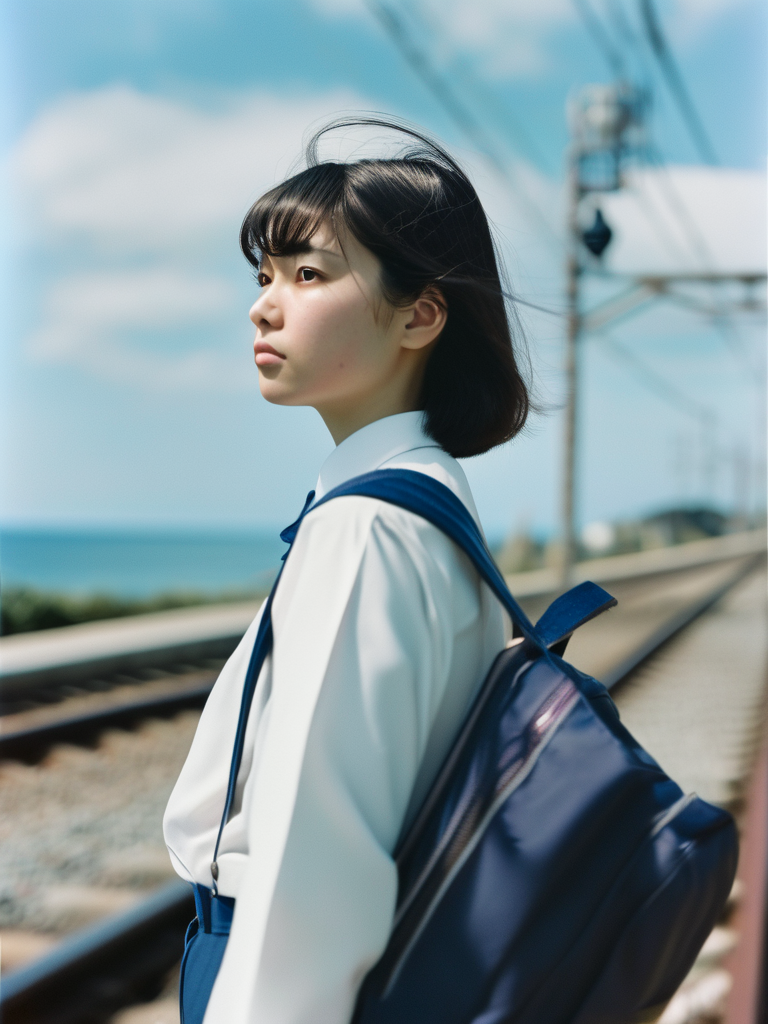
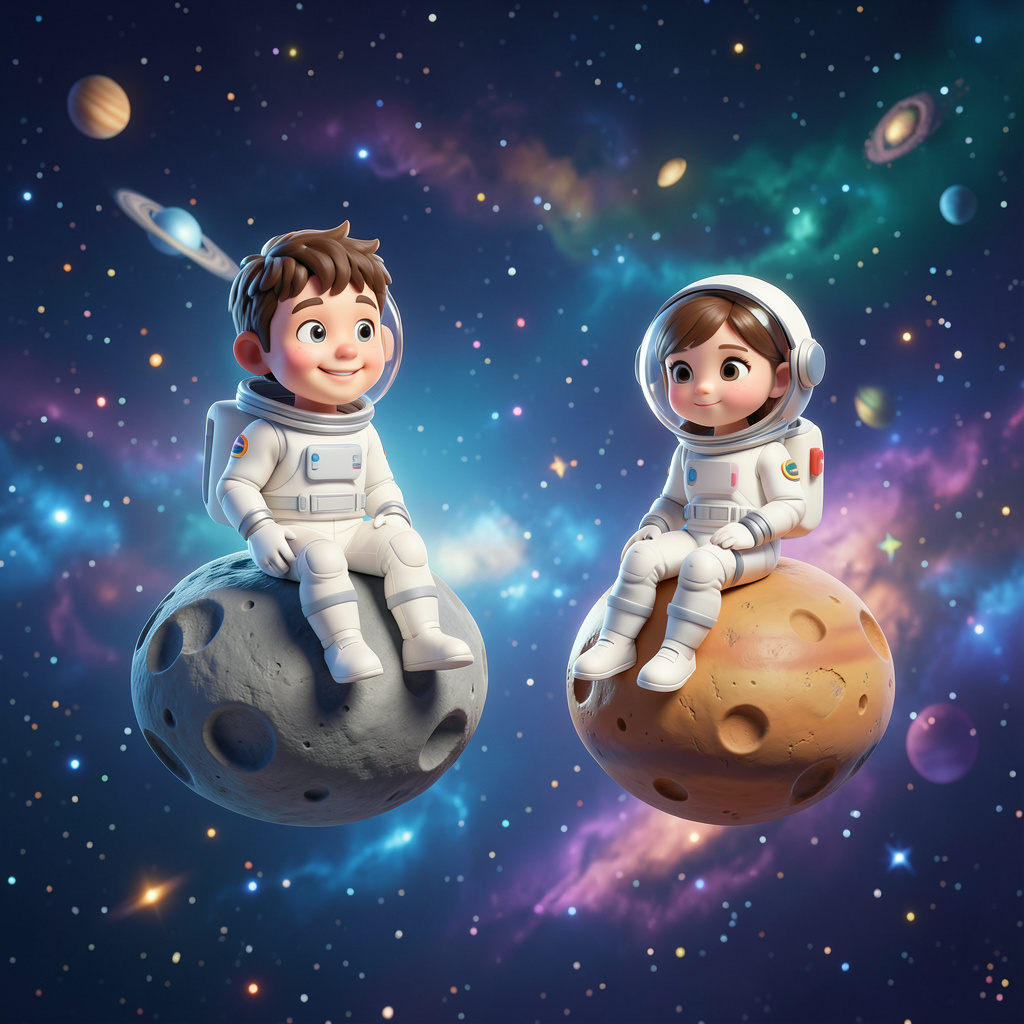
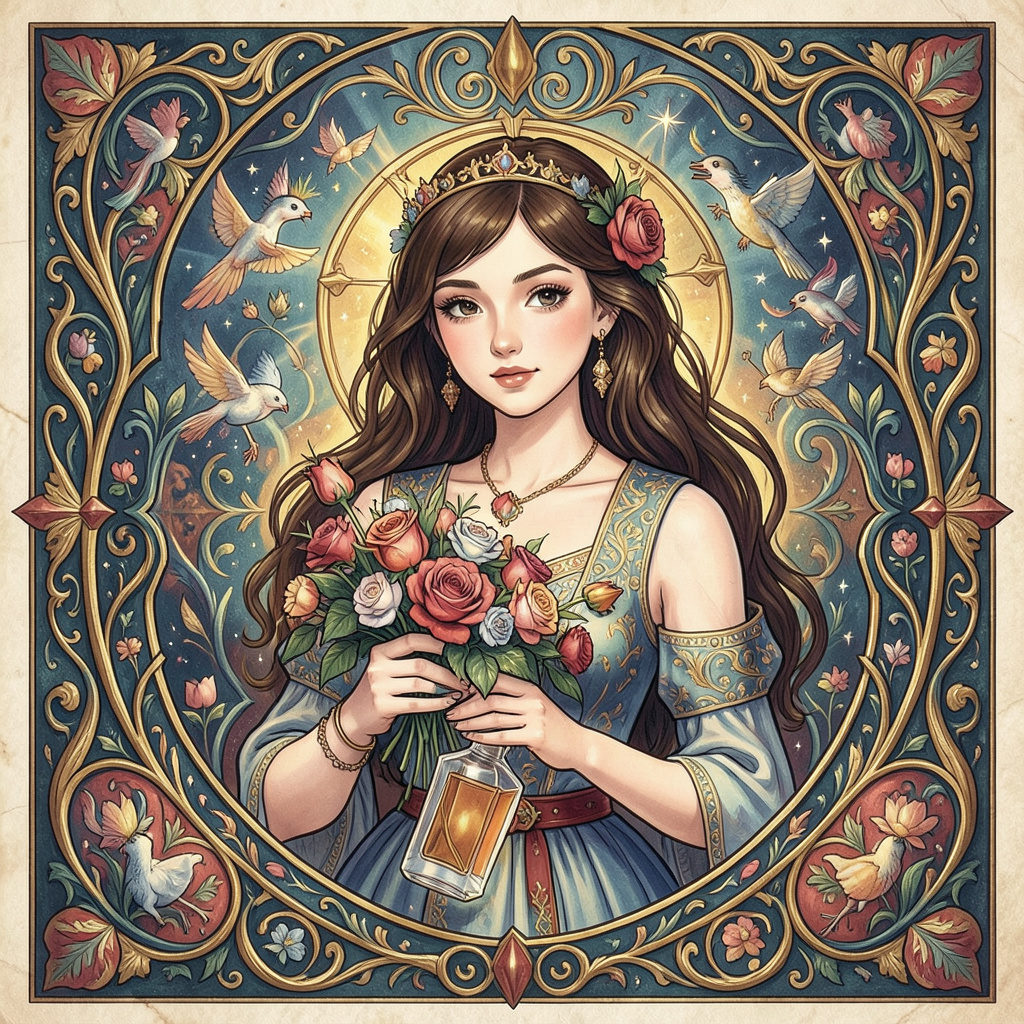
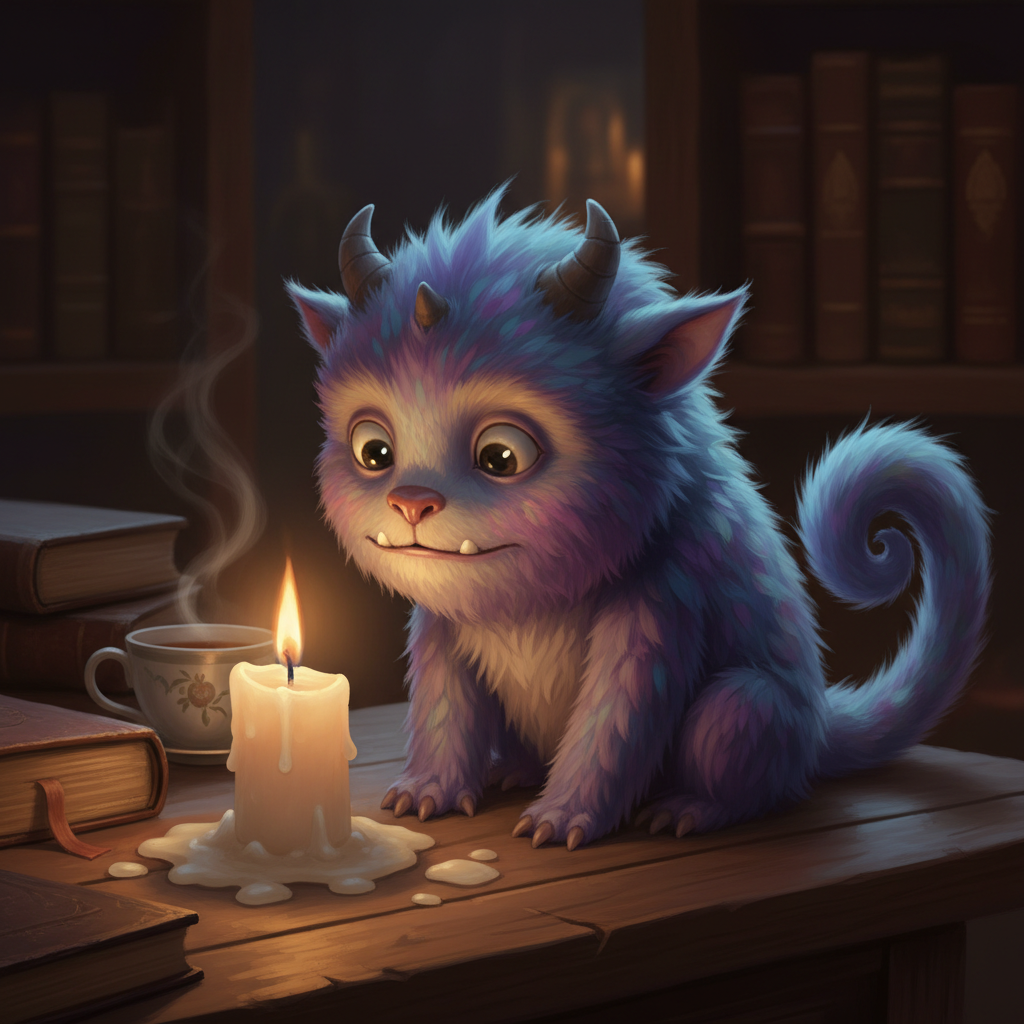
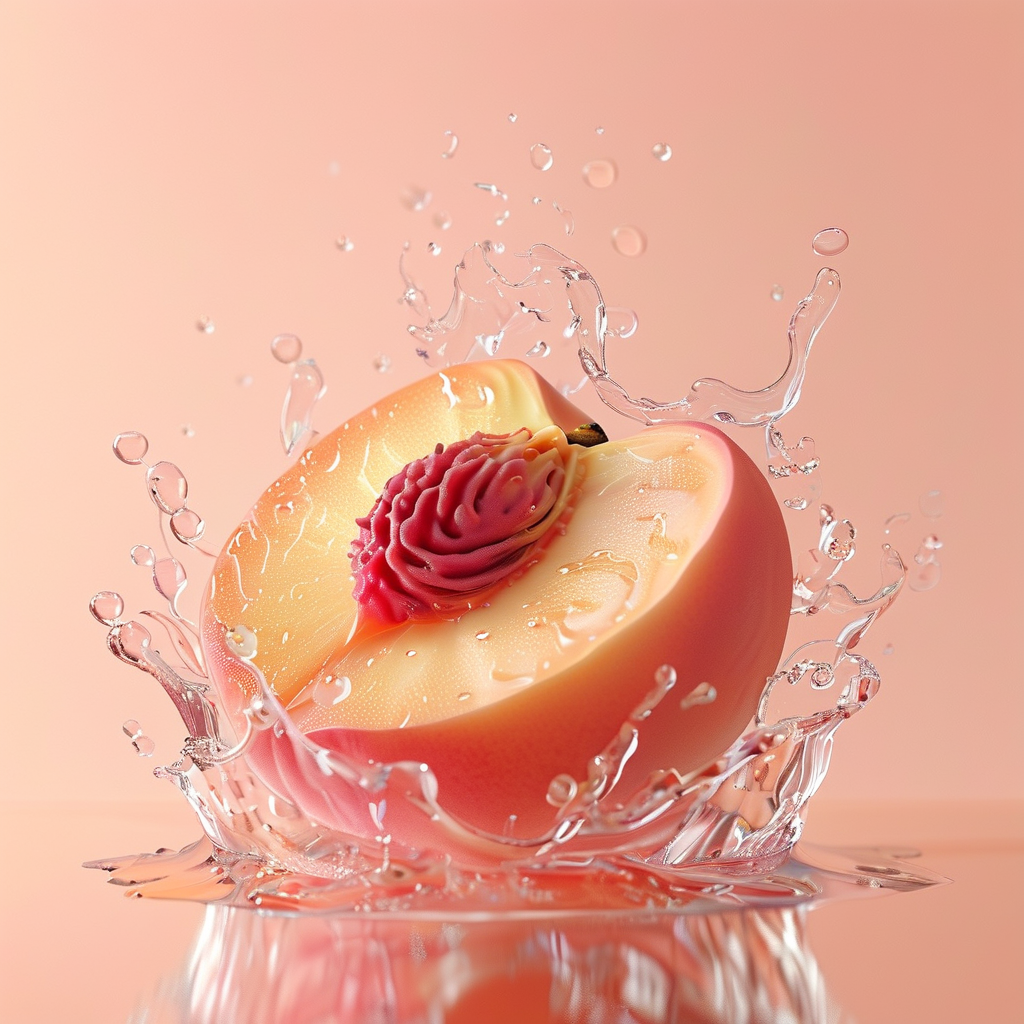
Quick suggestions:
Edit Images with AI Image Editor Free in 4 Simple Steps
No professional skills needed - upload 1-3 images, describe what you want in plain language, and our AI image editor free tool will understand and execute your editing requests. Perfect for e-commerce model outfit changes and product scene compositions
Upload 1-5 Images
Upload single or multiple images (up to 3). Perfect for combining model + outfit, product + scene, or person + person
Tip: Best results with 1-3 images. High-resolution images work better
Describe Your Edit
For single image: "change background to beach". For multi-image: "Put model from image 1 wearing outfit from image 2"
Tip: Specify which image when using multiple images for better results
AI Performs Edit
AI instantly understands your request and begins editing, preserving facial identity, product details, and text consistency
Tip: Multi-image edits may take slightly longer, please be patient
Download Result
Once editing is complete, you can immediately download the high-quality, watermark-free image
Tip: All edits are saved in your browser, view history anytime
Edit Examples with AI Image Editor Free
💡 🛍️ E-commerce: Put model from image 1 wearing outfit from image 2
💡 🛍️ Product poster: Place product from image 1 in scene from image 2
💡 👥 Portrait fusion: Combine person from image 1 with person from image 2
💡 👗 Outfit change: Change model's dress to the one in image 2
💡 🎨 Style conversion: Convert person to anime style, preserve facial features
💡 🌅 Background replacement: Change background to starry sky
💡 ✨ Lighting effects: Add dreamy warm lighting
💡 🎭 Portrait editing: Adjust facial expression and pose
💡 📦 Product editing: Change product color while preserving details
💡 ✍️ Text editing: Modify text content, font, and color
💡 🖼️ Composition: Optimize image layout and element positions
💡 🎨 Tone adjustment: Apply vintage film style
AI Image Editor Free - Showcase
Explore various image processing effects with our AI image editor free tool, including revolutionary multi-image editing. Experience the power of professional AI technology.
Unleash your creativity with both single and multi-image editing - perfect for e-commerce and creative compositions.
Combine elements from multiple images. Perfect for model outfit changes, product scene compositions, and creative fusions.
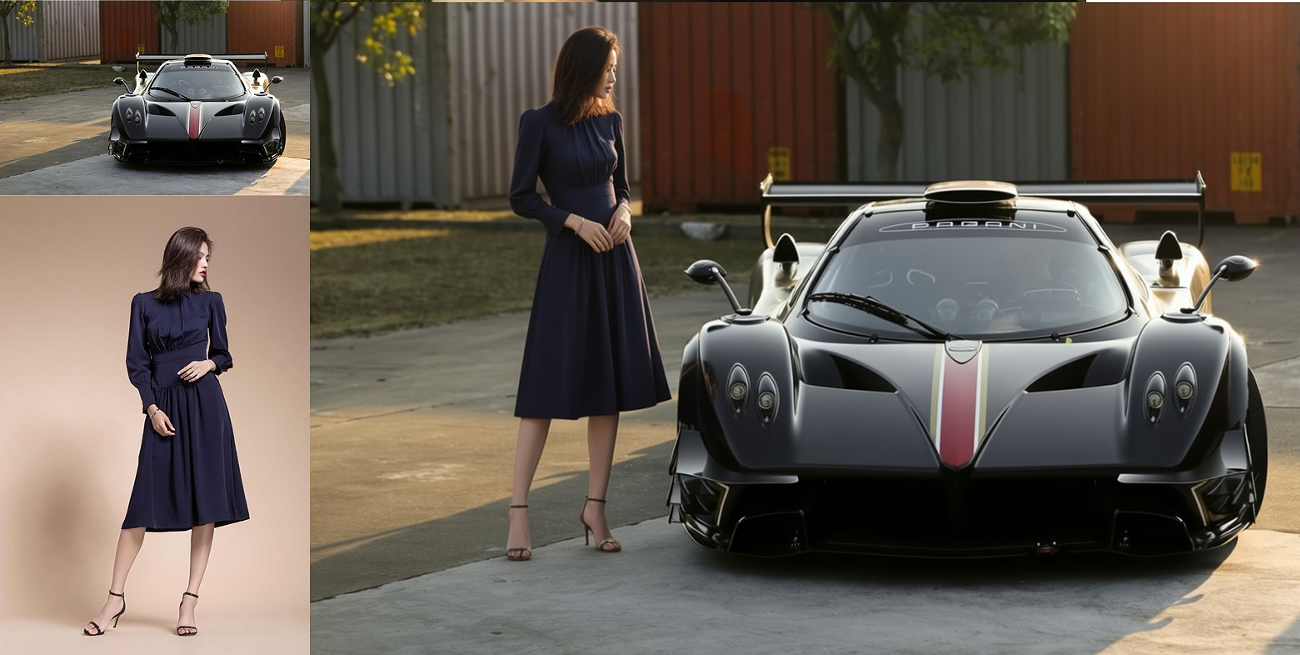
Editing Instructions: Add the person from image 2 to the scene in image 1
Powerful AI Image Editor Free Features
The best AI image editor free tool with cutting-edge AI models, providing professional-grade image editing with advanced technology. Now with revolutionary multi-image editing support
Multi-Image Editing
Revolutionary feature in our AI image editor free tool! Edit up to 3 images at once. Perfect for e-commerce: combine model + outfit, product + scene, or create stunning compositions.
E-commerce Optimized
Specifically designed for e-commerce needs. Change model outfits, create product posters, preserve facial identity and product details perfectly. Ideal for online stores and marketplaces.
Enhanced Consistency
Advanced AI preserves facial features, product identity, and text consistency. Edit portraits, products, and text while maintaining original characteristics.
100% Free Forever
Our AI image editor free tool is completely free with no registration required. No credit cards, no hidden fees, no usage limits - accessible to everyone.
AI Smart Editing
Powered by the latest AI models, our AI image editor free tool lets you edit images with a single sentence and let AI understand your creative needs. Supports natural language descriptions.
Unlimited Generations
Edit images with generous daily limits. Upgrade to premium for unlimited generations and advanced features.
Privacy Protection
Zero data retention policy – your prompts and generated images are never stored on our servers.
Diverse Styles
Support for multiple artistic styles, from realistic to anime, from oil painting to digital art, meeting all creative needs.
Easy to Use
Simple and intuitive interface - just upload images, describe your edits in plain text, and let our AI image editor free tool do the magic. No technical skills required.
Frequently Asked Questions
Everything you need to know about our AI image editor free tool
What is this AI image editor free tool?
Dream AI is a 100% AI image editor free tool that transforms images using simple text commands. It uses cutting-edge AI models to understand your editing needs and edit photos professionally without any design skills or registration required.
How does this AI image editor free tool work?
Simply upload your photo and describe the changes you want in plain text. For example, 'change background to sunset' or 'make it look like a painting'. The AI will understand your instructions and apply the edits automatically, creating professional results in seconds.
Is this AI image editor free tool really 100% free?
Yes! Our free tier offers generous daily limits with no credit card required and no registration needed. For unlimited access and advanced features, you can upgrade to our premium plans. We believe AI editing should be accessible to everyone.
Do I need to create an account or sign up?
No registration required! Simply visit the page and start editing images immediately. No email, no password, no personal information needed. Just upload, describe your edits, and get results.
Are there any usage limits or restrictions?
Our free tier offers generous daily limits so you can edit as many images as you need. For unlimited access without daily quotas, upgrade to our premium plans. AI image editing accessible to everyone.
What image formats does this AI image editor free tool support?
Our AI image editor free tool supports JPG and PNG formats up to 25MB. The editing results are delivered in high-quality format, perfect for both personal and professional use.
Does this AI image editor free tool save or store my images?
No, we prioritize your privacy. All uploaded images and edited results are deleted immediately after processing. We don't store, save, or use your images for any purpose. Your editing sessions are completely private.
How many images can I edit?
You can edit unlimited images! There's no cap on the number of edits per day, week, or month. Feel free to experiment and edit as many photos as you need, completely free forever.
What makes this AI image editor free tool different from others?
We're completely free with no registration required and unlimited usage. We use cutting-edge AI models to understand complex editing instructions. Unlike other tools with paywalls or limitations, we provide everyone with access to professional editing.
Do AI-edited images have watermarks?
No watermarks! All images edited with Dream AI are completely clean and watermark-free. You own full rights to your edited images and can use them anywhere without attribution.
Can I use images from this AI image editor free tool commercially?
Yes! You have full commercial rights to all edited images. Use them for business, marketing, social media, websites, or any commercial purpose without restrictions or licensing fees.
Can I edit multiple images at once?
Yes! Our revolutionary multi-image editing feature allows you to upload and edit up to 3 images simultaneously. This is perfect for e-commerce scenarios like combining a model from one image with an outfit from another, or placing a product in a different scene.
How does multi-image editing work?
Simply upload 2-3 images and describe how you want to combine them. For example: 'Put model from image 1 wearing outfit from image 2' or 'Place product from image 1 in scene from image 2'. Our AI understands which elements to take from each image and creates a seamless composition while preserving facial features, product details, and text consistency.
What can I do with multi-image editing?
Multi-image editing is perfect for: E-commerce model outfit changes (show different products on the same model), product scene compositions (place products in various backgrounds), creative fusions (combine people, products, or scenes), and marketing materials. It's especially useful for online stores to create diverse product photos efficiently.
How can I get support for this AI image editor free tool?
For any questions or technical support, contact us through our support page. We're dedicated to helping you get the best results from your editing experience.