Nano Banana 2: Google's AI Image Revolution - Faster, Cheaper, and More Accessible Than Ever
Nano Banana 2: Google's AI Image Revolution
In August of last year, Google's Gemini Image model, Nano Banana, became a viral sensation, redefining image generation and editing across the internet. Then in November, Google released Nano Banana Pro, offering users advanced intelligence and studio-quality creative control.
Today, Google is bringing the best of both worlds to users across the ecosystem. Introducing Nano Banana 2 (officially Gemini 3.1 Flash Image), the latest state-of-the-art image model that combines advanced world knowledge, quality, and reasoning—at lightning-fast speed.
🎨 Try it yourself: Our AI Image Generator and AI Image Editor leverage cutting-edge AI models for stunning results.
What is Nano Banana 2?
Nano Banana 2 is Google's latest AI-powered image generation and editing model, developed by Google DeepMind. It's officially part of the Gemini 3.1 Flash Image family, designed to turn text prompts (or edits specified in words) into high-quality images quickly and with stronger control over details, composition, characters, and instruction following.
This model represents a strategic evolution—blending the high-quality capabilities of Nano Banana Pro with the rapid speed of Gemini Flash. It's widely integrated across Google's ecosystem, including the Gemini app, Google Search AI Mode, Google Lens, Vertex AI, and other Google AI platforms.
What Can Nano Banana 2 Do?
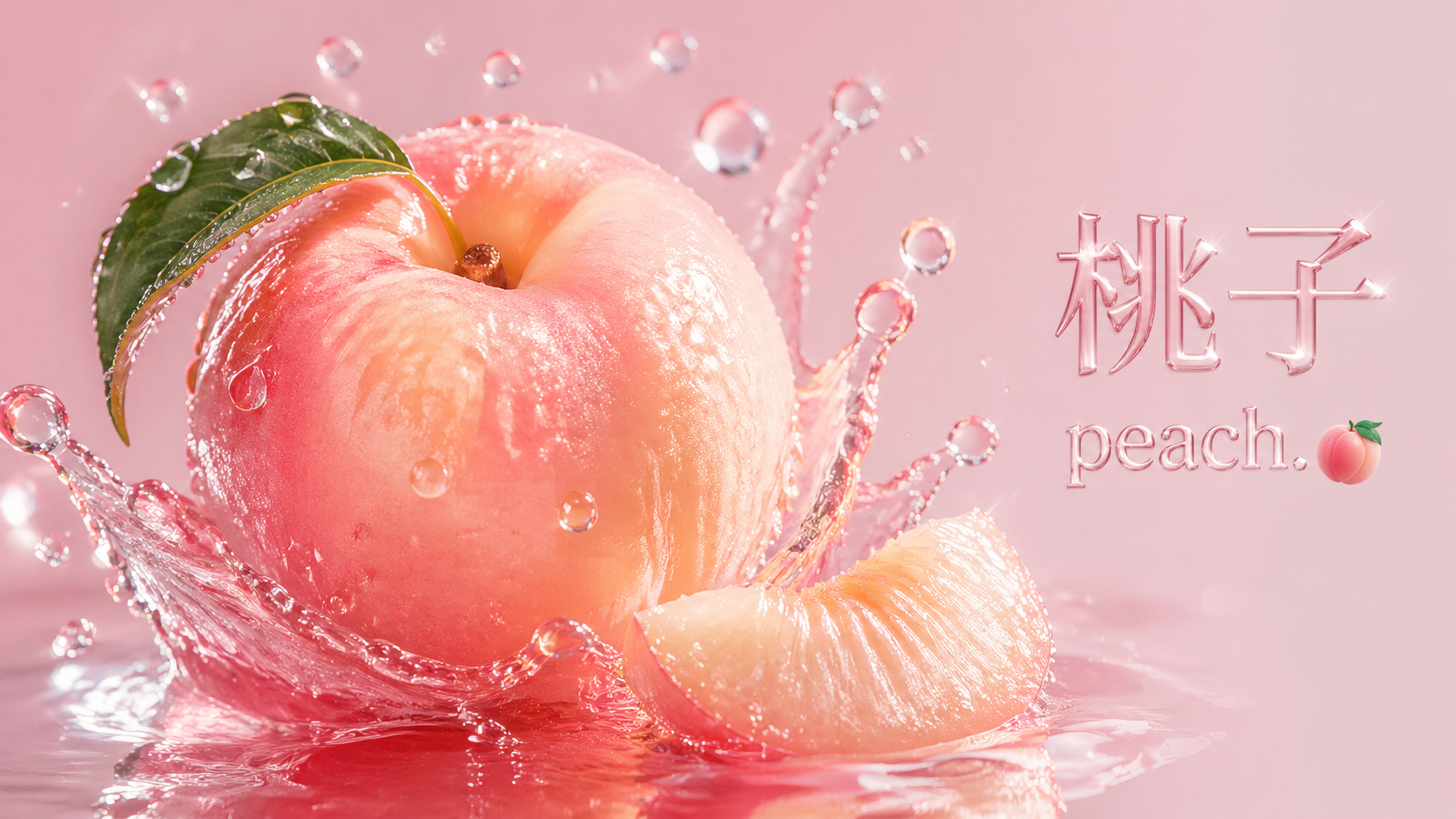
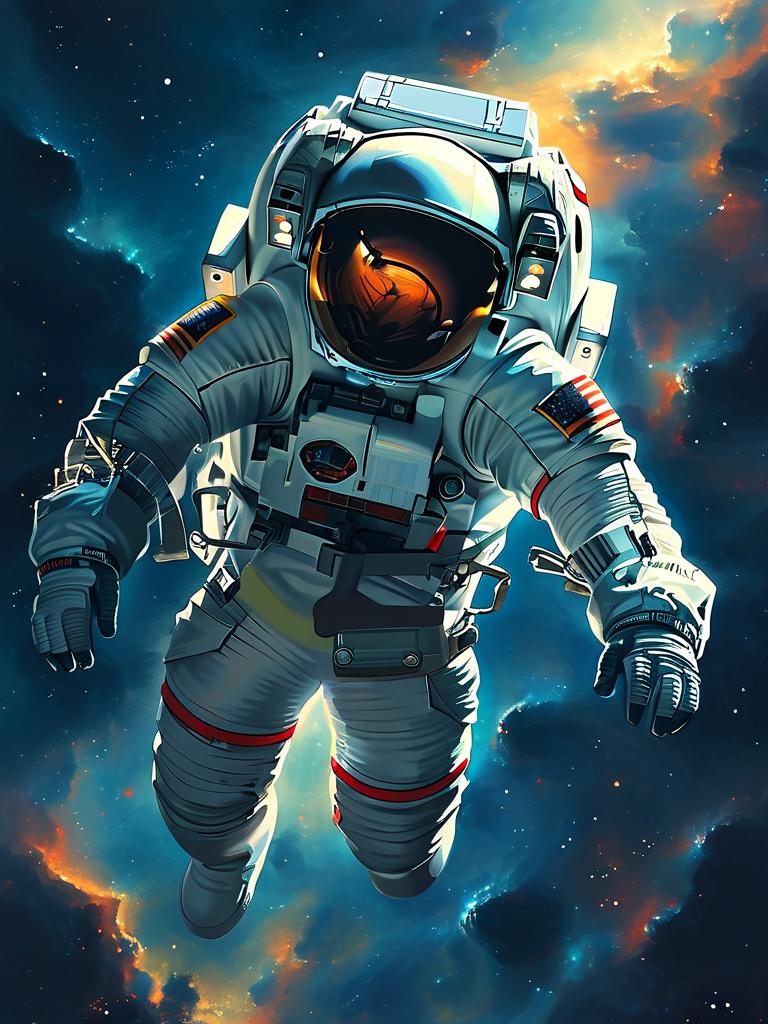
Nano Banana 2 is primarily used for generating high-quality images from text descriptions, editing existing photos, and creating visual content with advanced features like accurate text rendering, subject consistency, and real-world knowledge integration.
Key Applications:
Image Generation
Turning prompts into photorealistic or stylized visuals, such as landscapes, product mockups, or character designs for marketing, social posts, thumbnails, graphics, and concepts.
Photo Editing
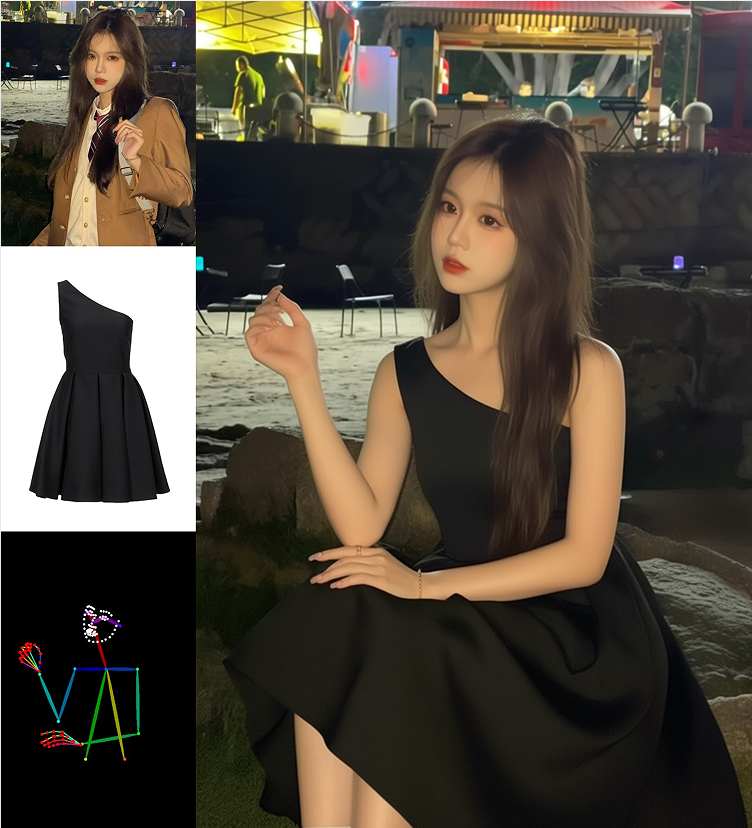
Modifying uploaded images by changing backgrounds, adding objects, adjusting lighting, or translating text within the image—all using natural language instructions.
Text Integration
Creating legible text in images for posters, greeting cards, UI mockups, or infographics in multiple languages. You can even translate and localize text within an image to share ideas globally.
Content Creation
Producing diagrams, storyboards, or data visualizations based on notes or real-time data.
Common Use Case Scenarios:
| Use Case | Application |
|---|---|
| E-commerce | Product visualization (placing items in different settings without physical shoots) |
| Social Media | Quick, high-volume graphics for daily posts |
| Marketing & Advertising | Mockups and ads with precise branding and legible typography |
| Storyboarding | Films, comics, or narratives where character consistency is critical |
| Rapid Prototyping | Design workflows, iterating on UI elements or packaging |
| Educational/Professional | Turning data into charts or incorporating current events (like weather forecasts) |
It's especially useful in fast-paced creative environments where speed and iteration are crucial, like digital agencies or content creators handling daily posting schedules.
The Pain Points Nano Banana 2 Solves
Without Nano Banana 2 or similar AI tools, users face significant challenges in image creation and editing:
| Challenge | Traditional Solution | Nano Banana 2 Solution |
|---|---|---|
| Slow & Manual Processes | Hiring photographers, renting studios, using Photoshop—high costs and long turnaround times | Generate and edit images in seconds with text prompts |
| Inaccurate Text Rendering | Older tools produce blurry, misspelled, or "gibberish" text unusable for marketing | Precise, legible text generation and translation in multiple languages |
| Lack of Subject Consistency | Characters change appearance across generations, frustrating series creation | Maintain up to 5 characters and 14 objects consistently across images |
| Poor Detail & Realism | Artifacts, unnatural lighting, low fidelity at higher resolutions | Vibrant lighting, richer textures, sharper details up to 4K |
| High Retry Rates | Prompts don't adhere well, requiring multiple attempts | Enhanced instruction following captures specific nuances |
| Limited World Knowledge | No real-time or accurate real-world elements | Integrates web search for current events and specific locations |
| Complexity Debt | Manual workflows create messy, hard-to-maintain processes | Clean, automated generation for developers and teams |
These issues often result in lower productivity, higher expenses, and subpar outputs that don't meet professional standards. Nano Banana 2 brings faster generation, better instruction-following, and professional-ready quality into one accessible model.
Nano Banana 2 Evolution: Comparing with Previous Versions
Nano Banana 2 builds on its predecessors by prioritizing a balance of speed, quality, and cost while retaining core strengths. Here's how the three generations compare:
| Aspect | Nano Banana (Original) | Nano Banana Pro | Nano Banana 2 |
|---|---|---|---|
| Base Model | Gemini 2.5 Flash Image | Gemini 3 Pro Image | Gemini 3.1 Flash Image |
| Speed | Moderate (faster than Pro) | Slower, deep reasoning focus | 3-5x faster than Pro, under 2 seconds for standard images |
| Quality & Fidelity | Good for basics, less detailed | Highest fidelity, complex tasks | ~95% of Pro's quality, improved realism, textures, lighting |
| Cost (per 1K images) | Lower than Pro | $0.134 | $0.067 (50% cheaper) |
| Cost (4K per image) | N/A | $0.24 | $0.151 (40% cheaper) |
| Text Rendering | Basic, often inaccurate | Excellent, legible and localized | Matches Pro, precision for infographics |
| Subject Consistency | Limited | Strong | Enhanced: up to 5 characters, 14 objects |
| World Knowledge | Basic integration | Advanced with web search | Improved real-time data and prompt adherence |
| Resolution | Up to 2K | Up to 4K | Up to 4K, sharper details |
| Aspect Ratio | Standard ratios | Up to 2:1 | Up to 8:1 (extreme panoramas) |
| Best For | Quick, simple generations | High-fidelity, accuracy-critical work | Rapid iteration, everyday use with Pro-like results |
Key Improvements in Nano Banana 2:
Speed Boost: Combines Pro's capabilities with Flash efficiency for quicker edits and generations, reducing wait times dramatically—often twice as fast as previous versions.
Cost Efficiency: Lower pricing makes it scalable for high-volume tasks without sacrificing much quality. Input token costs dropped from $2/百万 tokens to $0.25/百万 tokens (87% reduction).
Enhanced Realism: Better lighting, textures, and details close the gap to photorealism, fixing "plasticky" artifacts from older models.
Better Prompt Following: Stronger reasoning for complex instructions, reducing errors and retries. The model adheres more strictly to complex requests, capturing specific nuances.
Subject and Text Upgrades: Superior consistency and rendering, ideal for narratives or branded content.
Accessibility: Now the default in Gemini apps, with Pro still available for premium users needing maximum accuracy.
Wider Aspect Ratios: New support for extreme ratios like 8:1 for scroll-like panoramas—previously limited to 2:1 in Pro.
Nano Banana 2: Intelligence and Visual Quality at Flash Speed
Nano Banana 2 brings the high-speed intelligence of Gemini Flash to visual generation, making rapid edits and iteration possible. It makes once-exclusive Pro features accessible to a wider audience.
Advanced World Knowledge
The model pulls from Gemini's real-world knowledge base and is powered by real-time information and images from web search to more accurately render specific subjects. This deep understanding also helps you create infographics, turn notes into diagrams, and generate data visualizations.
Precision Text Rendering and Translation
Nano Banana 2 allows you to generate accurate, legible text for marketing mockups or greeting cards. You can even translate and localize text within an image to share your ideas globally—a feature previously exclusive to paid Gemini subscribers.
Enhanced Creative Control
Nano Banana 2 dramatically closes the gap between speed and visual fidelity, delivering high-quality, photorealistic imagery:
-
Subject Consistency: Maintain character resemblance of up to five characters and the fidelity of up to 14 objects in a single workflow, allowing you to storyboard and build narratives without altering the appearance of your inputs.
-
Precise Instruction Following: Enhanced instruction following means the model adheres more strictly to complex requests, capturing specific nuances so the image you get is the image you asked for.
-
Production-Ready Specs: Full control of various aspect ratios and resolutions from 512px to 4K, ensuring visuals stay sharp whether for vertical social posts or wide-screen backdrops.
-
Visual Fidelity Upgrade: Vibrant lighting, richer textures, and sharper details, maintaining high-quality aesthetics at Flash speed.
User Reception: What People Are Saying About Nano Banana 2
Users have praised Nano Banana 2 for its impressive blend of speed, quality, and usability, often calling it a "game-changer" for creative workflows. According to Arena.ai, Nano Banana 2's "Large Model Arena," Nano Banana 2 immediately topped the text-to-image leaderboard upon release.
Common Positive Feedback:
"Insanely good—dominates other AI image editors with mind-blowing infographics and text handling."
"Worth the hype: Achieves Pro-level quality at half the cost and faster speeds, justifying the results."
"Excellent text rendering and realism—perfect for posters, UI mockups, and rapid iterations."
"Noticeable step forward in photorealism, prompt accuracy, and artistic flexibility."
"Lives up to promises: Cleaner layouts, strong hierarchy, and reliable outputs for data-driven visuals."
"Impressive consistency in characters and details—great for storyboarding without face-shifting issues."
"Highly recommended upgrade: Triple threat of low cost, high speed, and top-tier quality."
"Even better sharpness and initiative in generations—feels production-ready."
Key Praise Points:
- Fast generation — Quick results for rapid iteration
- Sharper text and details — Legible text is difficult for most image AI, but Nano Banana 2 handles it well
- Better creative control over objects, lighting, angles, and composition
- Integrated with search and real world context — Can reference up-to-date information
- Higher consistency when generating multiple related visuals
- "Professional-grade quality to free tiers" — More creators can use advanced generation without paying first
Hands-On Experience: A Nano Banana 2 Personal Review
Having spent time with Nano Banana 2 since its release, here's an honest assessment of what's changed—and what hasn't.
Initial Impressions
The update is somewhat peculiar, leading me to initially wonder if Google accidentally swapped the version numbers between Pro and 2. In terms of overall image quality compared to Nano Banana Pro vs Nano Banana 2, there's almost no noticeable improvement. The biggest characteristic of Nano Banana 2 is that it's faster and cheaper.
Google essentially distilled Nano Banana 2 as a smaller model where specific capabilities haven't degraded too much—though some areas do show slight regression, such as text precision. In scenarios with lots of text, the probability of gibberish output seems slightly higher than before.
From Unusable to Usable: The Pricing Story
This is the real Nano Banana 2 story: Nano Banana 2 moves the model's cost-effectiveness from an unusable state to a usable one.
Nano Banana Pro's previous pricing was frankly outrageous. For a single 1K image, Banana Pro cost $0.134—nearly 1 RMB per image. That's incredibly expensive. When you consider that we often generate images in batches of 10 or 20, especially for presentations, if you're a developer integrating Banana Pro's API into an application, it simply breaks.
A user generates 100 images in an hour, and that's 100 RMB gone. Who can sustain that?
With Nano Banana 2 (Banana 2), the same single 1K image costs approximately $0.067 (about 0.5 RMB)—roughly half the price. It's still expensive honestly, but at least it's significantly reduced from before.
This is why I say it's improved from "unusable" to "usable"—this is genuinely positive news for developers.
For 4K images with Nano Banana 2, the price is $0.151 versus Banana Pro at $0.24—a reduction of only about 40%.
This is just output pricing, not including input tokens. However, since image models don't require many input tokens, the dramatic drop from $2/百万 tokens to $0.25/百万 tokens doesn't make a huge practical difference.
New Feature: Wider Aspect Ratios
One significant improvement is the dramatically relaxed aspect ratio constraints. You can now generate images at extreme ratios like 8:1—those ultimate scroll-like panorama images. Banana Pro couldn't do this; I recall its maximum ratio was 2:1.
Speed Improvements
There's also a noticeable speed improvement—approximately 20 seconds for a 2K image. The default output is now 2K straight out, whereas previously it defaulted to 1K.
Recommended Platforms
Both the Gemini official website and Lovart are currently available. Personally, I prefer using it on Lovart because Banana 2's batch generation experience is smoother—the canvas interface is more comfortable.
The Bottom Line
All the Banana 2 information is essentially this, which is why I started by wondering if Google got the Pro and 2 version numbers backward...
I can only say, keep going Google. When Nano Banana first came out last year, it was at its peak. But lately, it feels like they're falling behind again.
There are now three great spectacles in the AI world:
Raising lobsters, waiting for seeds, playing with bananas.
A bright future awaits.
How to Access Nano Banana 2 Today
Nano Banana 2 is rolling out across Google products and available today through multiple platforms.
Usage Limits by Plan:
| Plan | Daily Limit |
|---|---|
| Free Users | 20 images/day |
| AI Plus | 50 images/day |
| AI Pro | 100 images/day |
| Enterprise | Unlimited |
Available Platforms:
Gemini App
Nano Banana 2 replaces Nano Banana Pro across the Fast, Thinking, and Pro models. Google AI Pro and Ultra subscribers retain access to Nano Banana Pro for specialized tasks by regenerating images via the three-dot menu.
Google Search
Available in AI Mode and Lens through the Google app as well as mobile and desktop browsers. This includes 141 new countries and territories and eight additional languages.
AI Studio + API
Available in preview in AI Studio and Gemini API. Also available in Google Antigravity.
Google Cloud
Available in preview with the Gemini API in Vertex AI.
Flow
Nano Banana 2 is the new default image generation model in Flow, available to all Flow users for zero credits.
Google Ads
Nano Banana 2 is now available, powering suggestions while creating campaigns in Google Ads.
Access Instructions:
- Gemini App: Select "Create images" from the tools menu
- Google Search: Use AI Mode or Lens
- Developers: Access via Google AI Studio or Gemini API
Provenance: Nano Banana 2 Marking and Verification
As generative media evolves, so must the tools to identify and understand it. Google continues to deepen its provenance approach by coupling state-of-the-art SynthID technology with interoperable C2PA Content Credentials, providing users with a more holistic and contextual view of not just if AI was used, but how.
Nano Banana 2 provenance tools are already making an impact. Since its launch in November, the SynthID verification feature in Gemini app has been used over 20 million times across various languages, helping people identify Google AI-generated images, video, and audio. C2PA verification will soon be coming to the Gemini app as well.
Nano Banana 2 Frequently Asked Questions
Based on user discussions and official resources, here are the most common questions about Nano Banana 2:
1. What exactly is Nano Banana 2?
It's Google's latest AI image generation and editing model, officially known as Gemini 3.1 Flash Image, combining speed and high-quality features from previous versions.
2. How is Nano Banana 2 different from Nano Banana Pro?
Nano Banana 2 is faster, cheaper, and supports real-time web grounding and more aspect ratios while still delivering strong quality. Pro excels in maximum accuracy and reasoning depth for high-fidelity tasks.
3. Can it edit existing photos?
Yes—you can use natural language instructions to modify images, including changing backgrounds, adjusting lighting, adding objects, or translating text within images.
4. What resolutions does it support?
From quick previews at ~512px up to professional quality 4K. The default output is now 2K (previously 1K).
5. Is it free to use?
Yes, with limits. Free users get 20 images/day. Paid plans offer more: AI Plus (50/day), AI Pro (100/day), and Enterprise (unlimited).
6. Does it maintain character consistency?
Yes—up to 5 characters and 14 objects in a single workflow, allowing for consistent storyboarding and narrative building.
7. Can developers call it via API?
Yes—accessible through Google's Gemini API, Vertex AI, and Google AI Studio.
8. Is Nano Banana 2 always better than older models?
Generally faster and broader in capability with much better pricing, though some niche tasks (like dense text rendering) may still favor Pro.
9. Does it support multilingual text?
Yes, it handles accurate text rendering and translation in many languages, including localization for signs or ads.
10. Does it use real-time data or web search?
Yes, it integrates web knowledge for accurate depictions, like current weather, real-world objects, and specific locations.
11. Are generated images traceable or watermarked?
Yes, images include metadata and provenance markers (SynthID, C2PA) for transparency, aligning with Google's responsibility standards.
12. What are the content safety filters?
It has strict guards against harmful content, which may limit some creative prompts compared to other models.
13. How can I improve prompts for better results?
Be specific (e.g., "Keep the face unchanged; change jacket color"), use thinking levels for complex scenes, and specify aspect ratios. The new template feature in the Gemini app also offers style presets.
14. How do I choose between Nano Banana, Nano Banana 2, and Pro?
- Nano Banana: Simple/fun tasks
- Nano Banana Pro: Highest-quality detailed needs
- Nano Banana 2: Most everyday creative/production workflows
Conclusion: Why Nano Banana 2 is the Perfect Tool
Whatever your needs, Google now offers the perfect tool for every workflow: Nano Banana Pro for high-fidelity tasks requiring maximum factual accuracy, or choose Nano Banana 2 for rapid generation, precise instruction following, and integrated image-search grounding.
Nano Banana 2 represents a democratization of AI image generation—bringing professional-grade capabilities to everyday users and developers alike. With its perfect balance of Pro quality + Flash speed + accessible pricing, it's never been easier to create stunning visuals from text.
The generation gap between casual users and professional creatives just got a whole lot smaller.
Try Nano Banana 2 today in the Gemini app, Google Search, or via the Gemini API—and experience the future of AI-powered visual creation.
Explore More AI Tools Like Nano Banana 2
- AI Image Generator – Text to image
- AI Image Editor – Modify images with AI
- AI Video Generator – Create AI videos from text and images
- AI Background Remover – One-click background removal