How to Create Studio Ghibli-Style AI Images for Free with DreamAI.art
How to Create Studio Ghibli-Style AI Images for Free with DreamAI.art
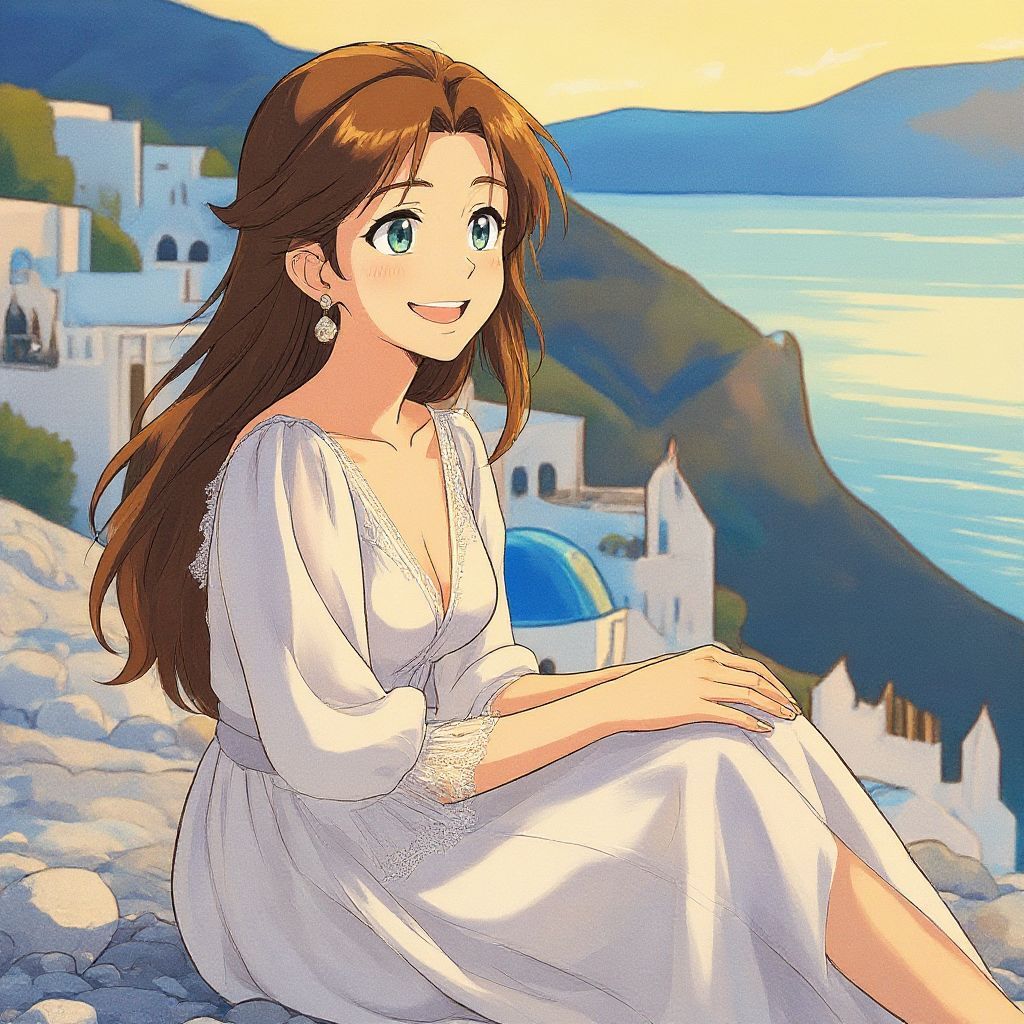
Studio Ghibli's magical worlds, with their lush landscapes, whimsical characters, and heartfelt stories from films like Spirited Away and My Neighbor Totoro, have inspired generations. Now, with AI technology, you can easily recreate this enchanting style. DreamAI.art offers a free text-to-image generator that lets you produce stunning Ghibli-inspired art without any login, watermarks, or limits.
Why Choose DreamAI.art for Ghibli-Style Creations?
DreamAI.art is completely free and user-friendly, allowing unlimited generations in high quality. Whether you're a fan creating personal artwork, wallpapers, or fan fiction visuals, this tool empowers your creativity without barriers. It's ideal for blending Ghibli's timeless aesthetic with your own ideas.
Step-by-Step Guide to Generating Ghibli Magic
Getting started is simple and takes just seconds. Follow these steps:
Step 1: Visit DreamAI.art
Go to https://www.dreamai.art/en. No account needed—jump right in.
Step 2: Describe Your Scene
In the text input field, craft a detailed prompt for your image. To invoke the Ghibli style, you have two options:
Option A: Explicit Text Method
Explicitly include "in Studio Ghibli style" in your description. For example:
"A young explorer in a mystical forest in Studio Ghibli style"
Option B: Style Dropdown Method
Select "Ghibli Style" from the Style options dropdown for an automatic application of the aesthetic. This method is perfect when you want to focus on describing your scene while the style is applied automatically.
Step 3: Generate the Image
Click "Generate." The AI creates your artwork almost instantly.
Step 4: Download and Iterate
Save the image directly. Not quite right? Adjust your prompt or style choice and try again—unlimited attempts!
Example Prompts to Get You Started
Here are some prompts you can use or modify. Remember to add the style via text or the dropdown:
-
"A curious girl meeting a friendly spirit in an ancient woodland, soft lighting and vibrant greens, in Studio Ghibli style."
-
"A cozy village at sunset with floating lanterns and magical animals, Hayao Miyazaki influence, detailed and serene."
-
"An adventurous kid on a flying bicycle over a rainy cityscape, whimsical and emotional, Ghibli animation aesthetic."
These capture Ghibli's essence: nature, fantasy, and emotion.
Tips for Stunning Results
Detail Matters
Add specifics like "pastel colors," "hand-drawn feel," or "intricate backgrounds" to enhance authenticity.
Mix Styles
Combine with other elements, like "dreamy atmosphere" or "nostalgic vibe," for unique twists.
Use Photos as Base
Describe real-life scenes vividly to transform them into Ghibli art.
Experiment Freely
Switch between explicit prompts and the Style selector to see what works best.
Understanding Ghibli's Visual Language
Studio Ghibli's distinctive style includes:
- Lush natural landscapes with intricate details
- Whimsical characters with expressive features
- Soft, harmonious color palettes that evoke emotion
- Magical realism that blends fantasy with everyday life
- Hand-drawn aesthetic that feels artisanal and warm
By incorporating these elements into your prompts, you'll create images that truly capture the Ghibli spirit.
Conclusion
Dive into DreamAI.art today and bring your Ghibli dreams to life. Share your creations and inspire others! For more ideas, explore AI art communities online.
Creating Studio Ghibli-style images has never been easier. With DreamAI.art's free, unlimited, and user-friendly platform, you can generate as many Ghibli-inspired artworks as you want. Whether you're creating personal art, wallpapers, or visual content for your projects, the magic of Studio Ghibli is now at your fingertips.